Please note: You need separate logins to access the student ID and the inbox, as the e-mail tool in UniNow works like a stand-alone e-mail program and does not take over the access data.
If you have difficulties logging in, please visit the troubleshooting page.
...
| Anker | ||||
|---|---|---|---|---|
|
Registration for student ID card
Please note that you will be automatically logged out of the system after 30 days from the last time you accessed your ID card. Please make sure that you are logged in before traveling by bus or train, as there may be no network available on the way.
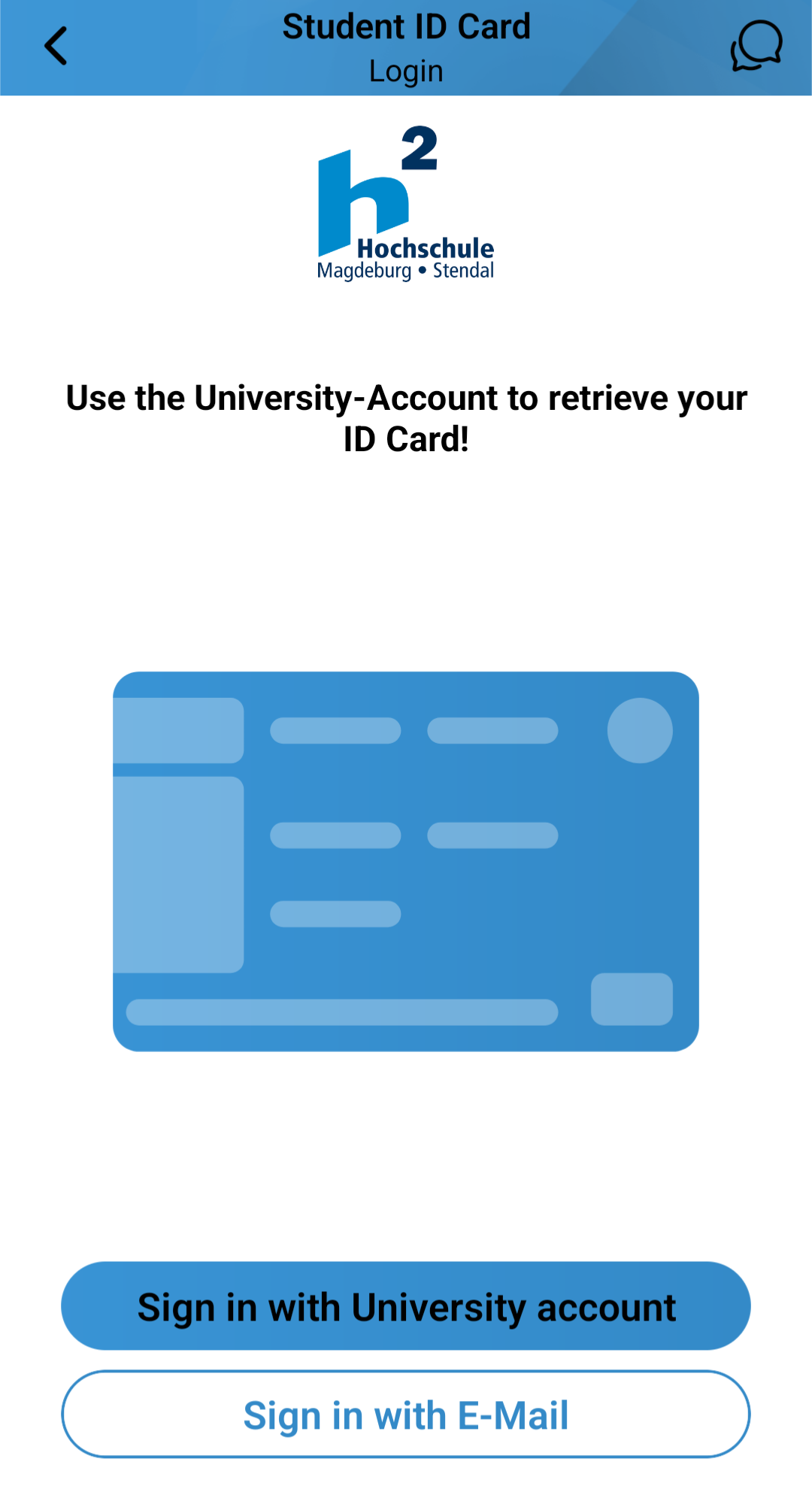
Open the ID card with the Student ID button. Click on Sign in with University account.
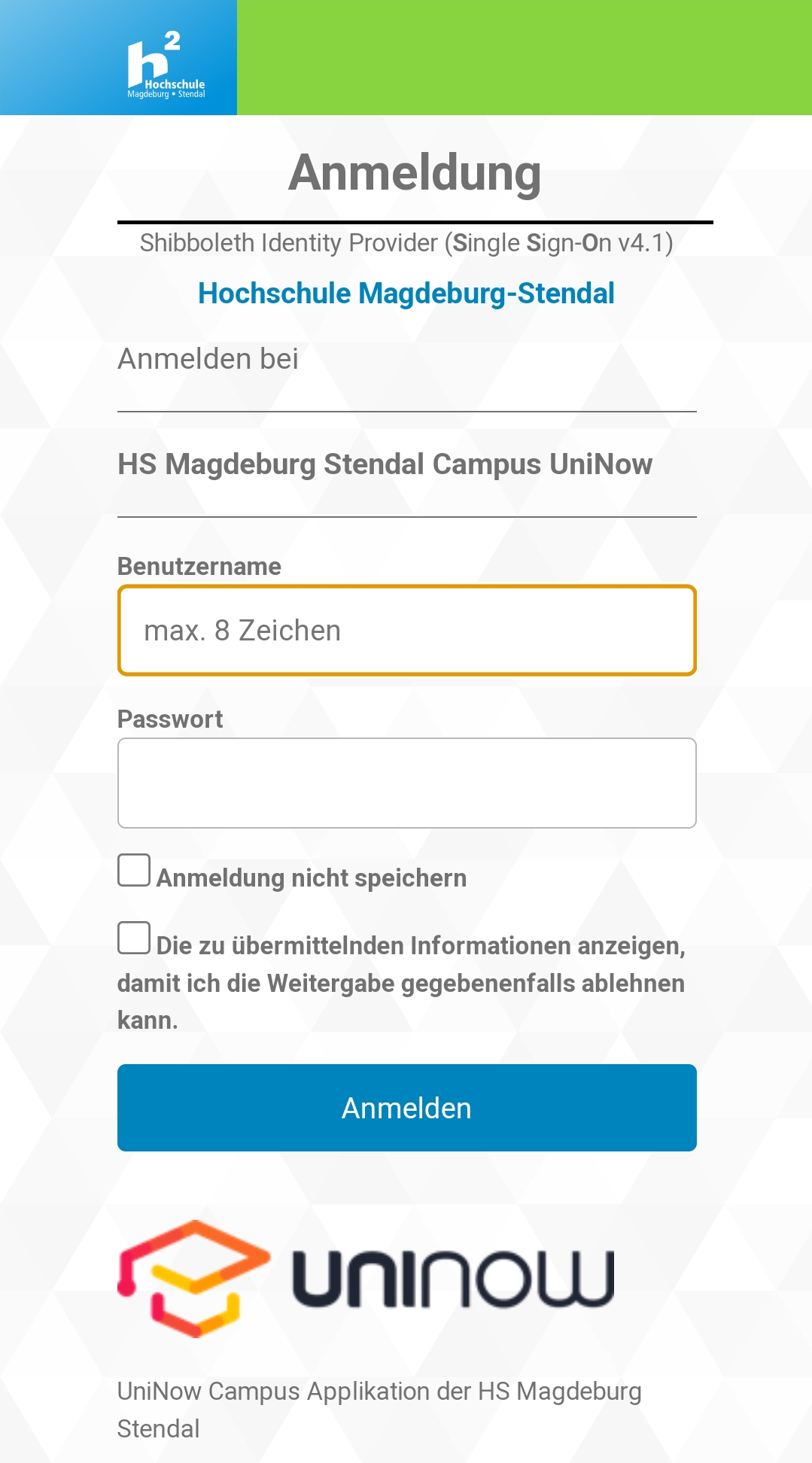
Log in to the university's authentication service with your account data (user name and password). The student ID card can now be used
...
Haben Sie Schwierigkeiten bei der Anmeldung, besuchen Sie bitte die Problemlösungsseite.
...
Anmeldung Studierendenausweis
Bitte beachten Sie, dass Sie nach 30 Tagen ab dem letzten Aufruf des Ausweises automatisch vom System ausgeloggt werden. Vergewissern Sie sich vor Antritt einer Fahrt mit Bus oder Bahn, dass Sie eingeloggt sind, da unterwegs ggf. kein Netz verfügbar ist.
Öffnen Sie den Ausweis-Bereich mit der Schaltfläche Studierendenausweis. Klicken Sie auf Anmeldung.
Melden Sie sich mit Ihren Accountdaten (Benutzername und Passwort) im Authentifizierungsdienst der Hochschule an. Der Studierendenausweis kann nun verwendet werden.
...
| Anker | ||||
|---|---|---|---|---|
Anmeldung E-Mail
Für das E-Mail-Tool werden mehr Informationen als für den Studierendenausweis benötigt.
Der Name wird als Absender an den Empfänger weitergeleitet. Ihre studentische E-Mail-Adresse und Ihr Benutzername haben Sie von der Hochschule erhalten. Das ebenfalls von der Hochschule vergebene Passwort haben Sie bestenfalls bereits geändert und tragen es im letzten Feld ein.
Anschließend wählen Sie den Ablageort Ihrer E-Mails aus. Sie müssen die Standardeinstellungen nur verändern, wenn E-Mails in bestimmten (Unter-)Ordnern abgelegt werden sollen.
Im darauffolgenden Fenster vergeben Sie Berechtigungen.
Registration to e-mail
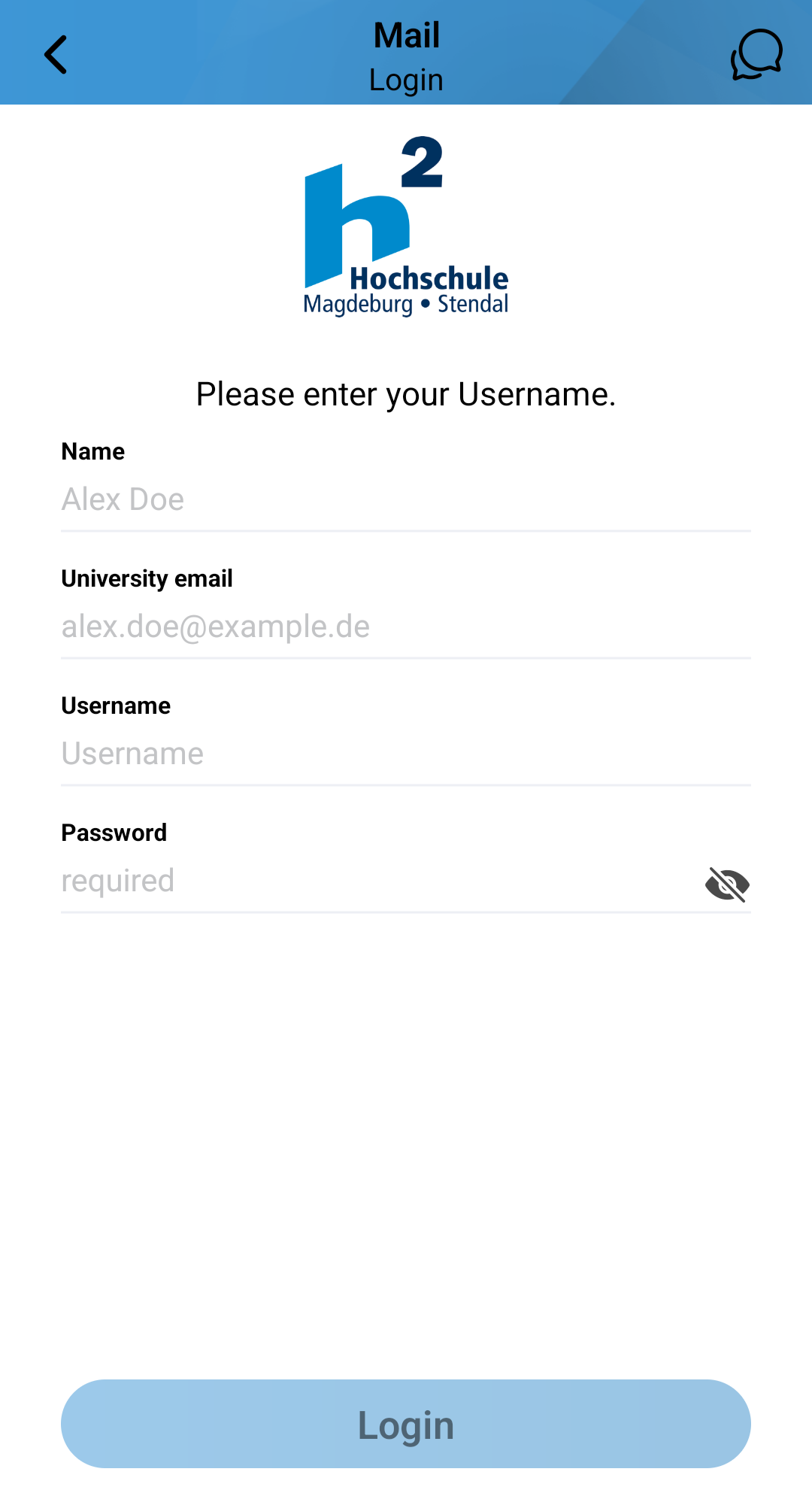
More information is required for the e-mail tool than for the student ID card.
The name is forwarded to the recipient as the sender. You have received your student e-mail address and your user name from the university. At best, you have already changed the password, which is also issued by the university, and enter it in the last field.
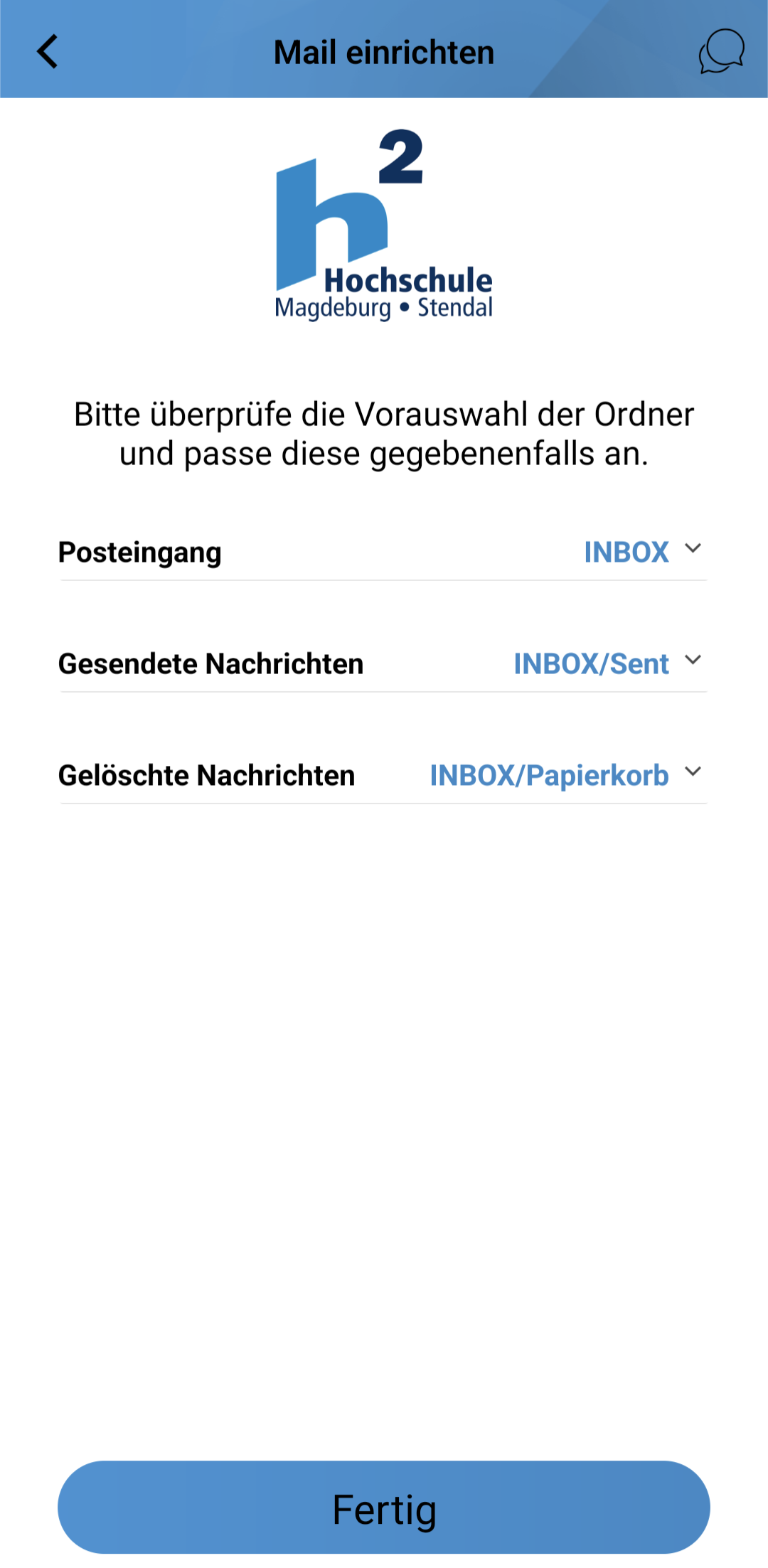
Select the storage location for your emails. You only need to change the default settings if you want to store emails in specific (sub)folders.
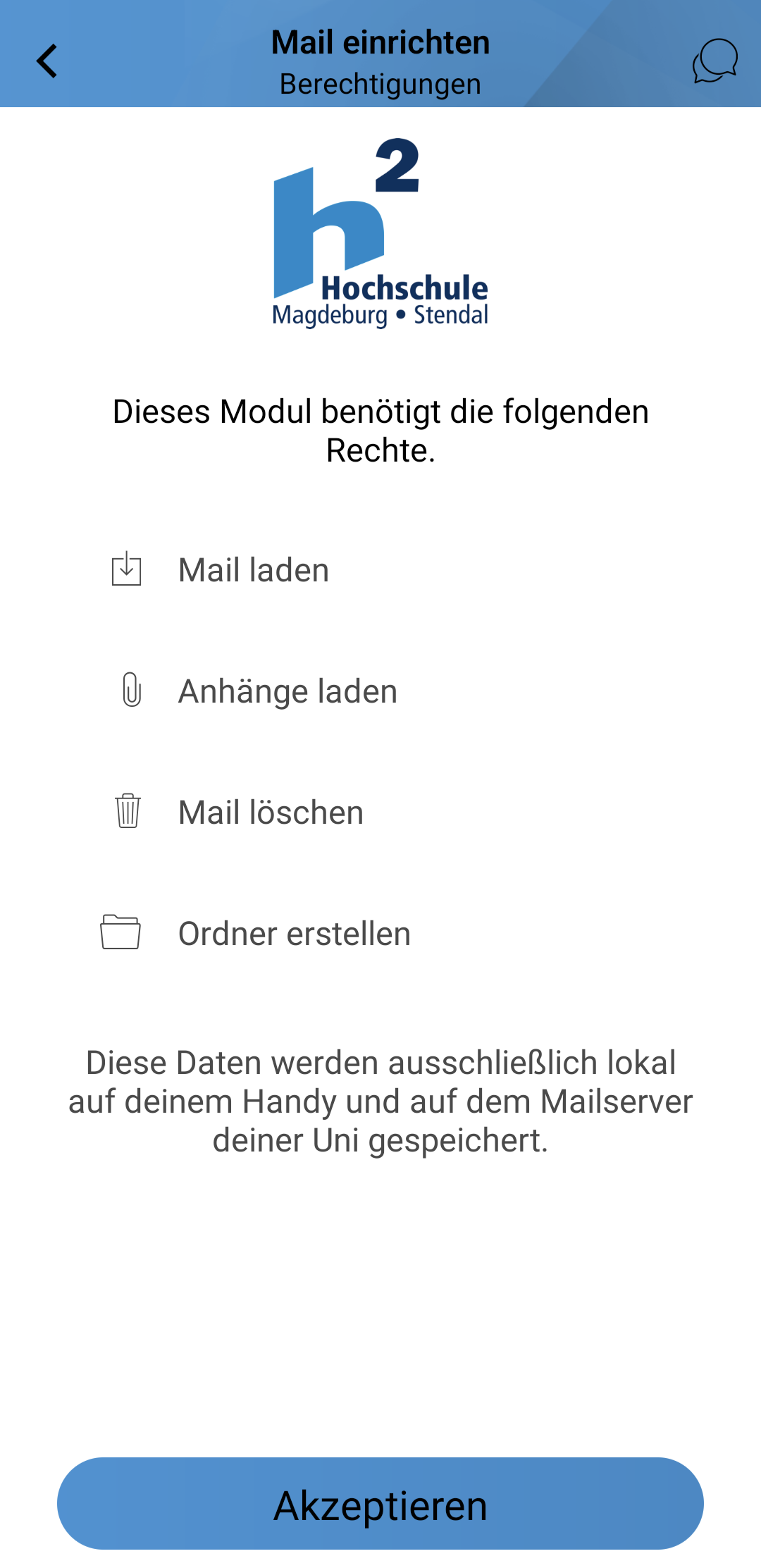
Assign authorizations in the following window.
Once you have confirmed everything, the inbox opens and you can use the e-mail toolHaben Sie alles bestätigt, öffnet sich der Posteingang und Sie können das E-Mail-Tool nutzen.